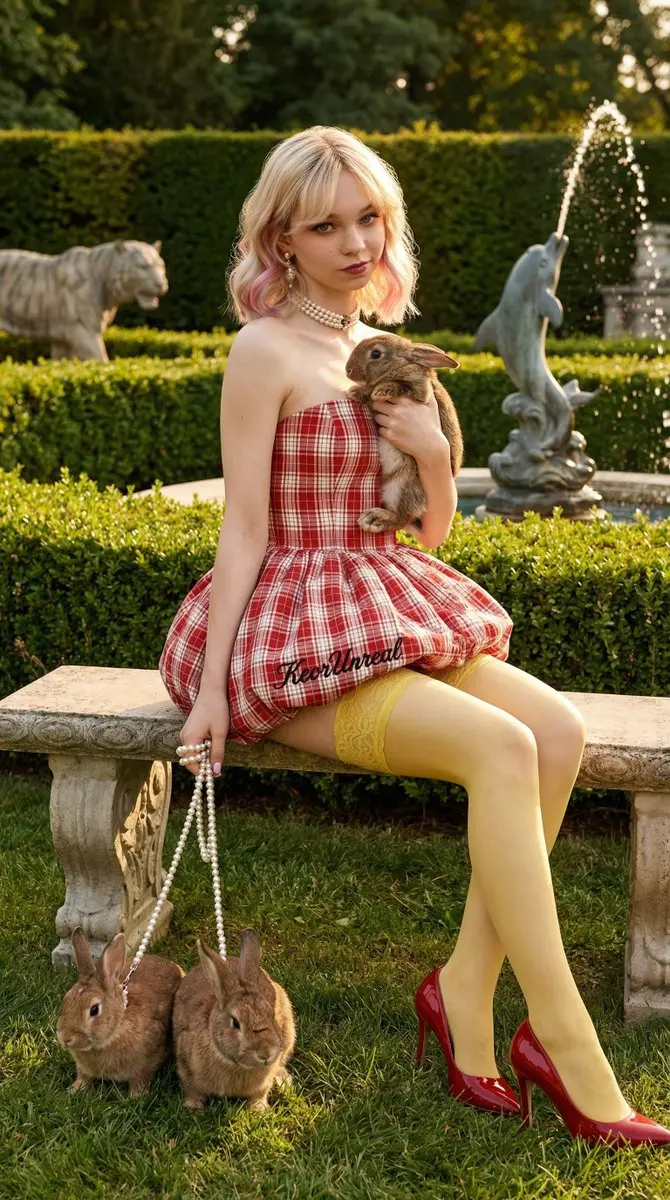
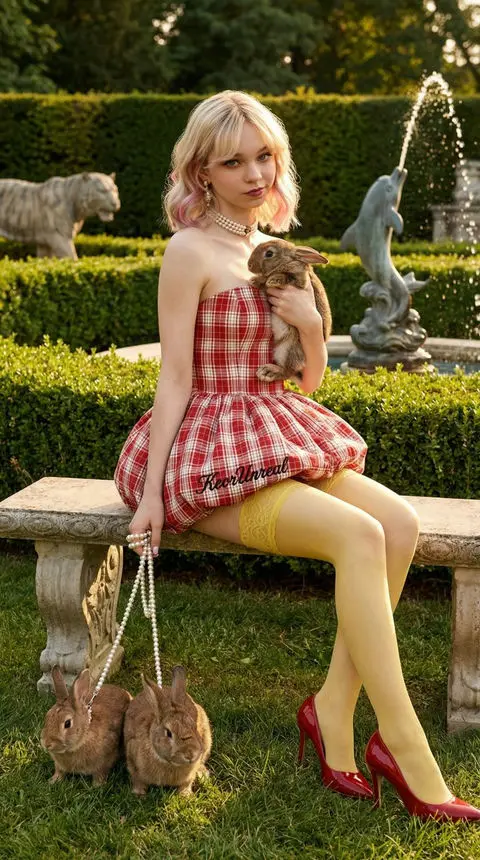
极地熊与胖达的冰上共舞提示词
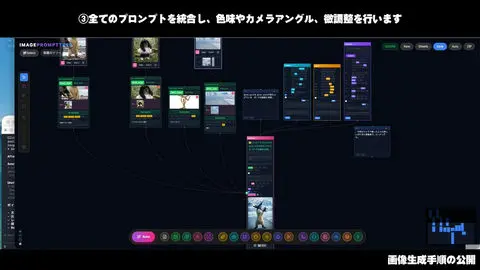
中文提示词
① 创建一个穿着冰鞋的"Polar Bear"和一个"Panda",以及背景位置。也可以使用普通的基于聊天的输入。无论您是同时生成还是分开生成,过程都是相同的。 ② 对图像进行标注。 这是最麻烦的部分,所以我把它做成了一个工具。 根据文件名,我创建了一个提示,用于组织“引用哪个图像的哪个部分”。 (姿势 / 背景 / 脸部 / 服装等) ③ 为最终生成添加构图和配色方案等补充信息。
English Prompt
① Create a "Polar Bear" and a "Panda" wearing ice skates, and the background location. Normal chat-based input is also OK. Whether you generate it all at once or separately, the process is the same. ② Perform annotation on the image. This is the most troublesome part, so I made it a tool. Based on the file name, I create a prompt that organizes "which part of which image to reference." (Pose / BG / Face / Clothing, etc.) ③ Add supplementary information such as composition and color scheme for the final generation.
📌 来源:OpenNana
跑通这条提示词,哪种方式最省?
| 方式 | 成本 | 适合谁 |
|---|---|---|
| IMGPRD 演练场在线直出 | ¥0.38/张起,注册送 ¥1 可白嫖首张 | 偶尔出图、先试效果 |
| 买 ChatGPT Plus 独享月卡 | ¥150/月不限量(商城实时价) | 每天批量出图、跑生产提示词 |
| Claude Pro 礼品卡 | 商城明码标价,自动发卡秒到账 | 长提示词 / 分镜一致性工作流 |
演练场模型定价:GPT Image 2(均衡) ¥0.38/张,GPT Image 2.5 Flare ¥0.48/张,GPT Image 2.5 Sunburst ¥0.48/张(价格随上游同步,以 /api-pricing 为准)